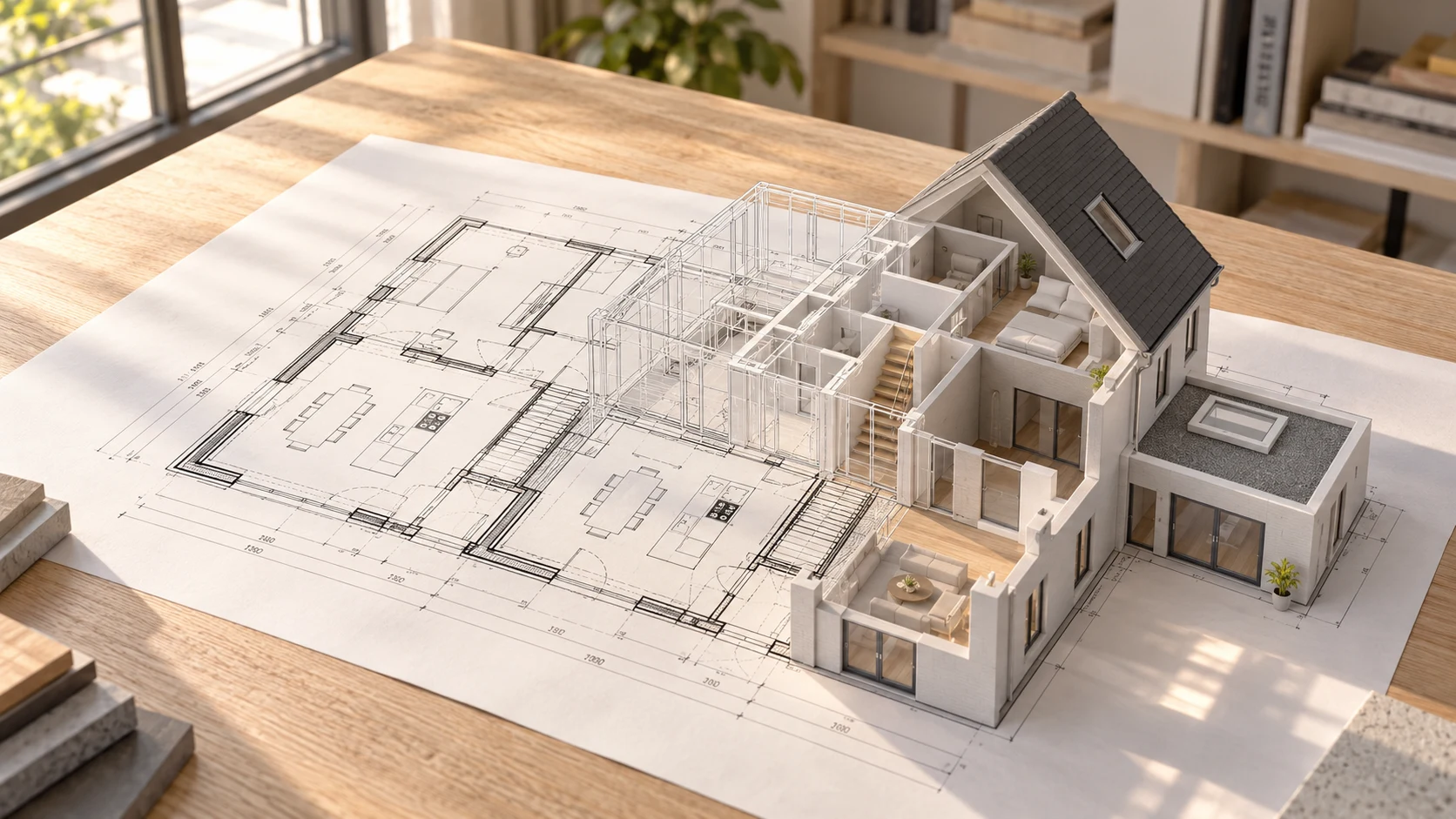
An architect's working day involves much more than designing. From developing drawings and building 3D models to preparing project documentation, creating visualisations and communicating with clients, a considerable amount of time is spent on tasks that do not directly contribute to the creative design process.
This is precisely why AI is becoming increasingly relevant to architecture practices. AI can help reduce repetitive tasks, explore design alternatives more quickly and make better use of existing information. This leaves more time for the work where human expertise makes the difference.
But which applications actually deliver value in practice? In this article, we explore seven ways architects can use AI to work more efficiently.
How Can Architects Use AI?
Architects can use AI for concept development, visualisations, 3D modelling, document processing, design analysis and project communication. The greatest time savings come from completing repetitive tasks more quickly without compromising the quality of the results.
Which application delivers the greatest benefits depends on the practice. A small architecture studio may benefit most from automating project administration, while a practice that regularly models existing buildings could gain considerably from a more efficient 2D-to-3D workflow.
1. Develop Design Concepts Faster
A new project often begins by exploring possibilities. Which layout meets the project requirements? What building form works best for the site? And which design alternatives are promising enough to develop further?
AI-assisted design tools allow you to explore different conceptual directions more quickly. This might involve generating initial ideas, comparing spatial layouts or visually exploring alternative approaches.
The main time saving comes from being able to explore possibilities faster. You do not need to develop every initial idea in detail before deciding whether a particular direction is worth pursuing.
However, AI does not automatically produce good architectural design. Functionality, regulations, feasibility and aesthetic quality still require an architect's knowledge and professional judgement.
2. Create Architectural Visualisations Faster
Clients often understand a design better when they can see it. This is why visualisations are so important: they make it easier to discuss decisions about materials, forms, lighting and the overall appearance of a building.
AI visualisation tools can help create mood images and conceptual impressions more quickly. For example, you can explore how a façade might look with different materials or how a design could appear under different lighting conditions.
This allows you to gather feedback earlier and identify which direction deserves further development. However, it is important to distinguish between a conceptual image and a technically accurate architectural visualisation. AI can add or alter details that do not correspond to the actual design.
3. Turn 2D Drawings into 3D Models with AI
Many architects work with existing drawings, such as floor plans, sections, elevations and DWG files. These drawings already contain valuable information about a building.
However, when creating a 3D model, this information often needs to be processed again. Walls, floors, openings and building layers are reconstructed manually. This is important work, but it is also repetitive.
AI makes it possible to automate parts of this process. Instead of modelling every component from scratch, specialised software can use existing 2D information as the starting point for a basic 3D model.
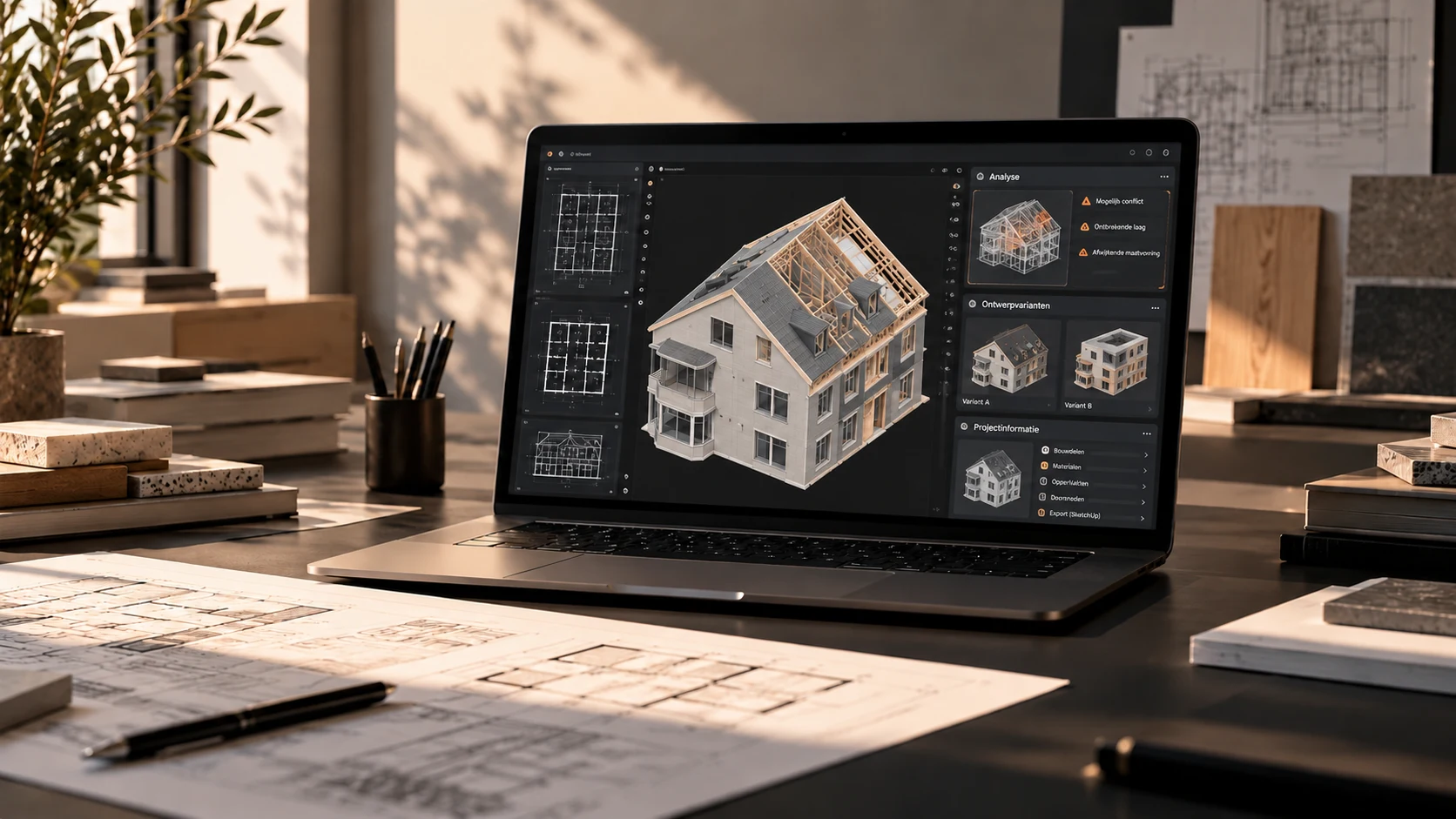
Arqetta is one example. The platform is designed to convert DWG drawings into editable base 3D models that can be developed further in SketchUp. This means architects do not always have to start with an empty model.
However, a generated model still needs to be checked. Unclear drawings, missing information and complex building elements can affect the result. A basic 3D model is also not automatically a fully developed BIM model.
The most important development is that architects can increasingly reuse existing information directly, rather than having to rebuild it entirely from scratch.
4. Process Documentation and Project Information Faster
An architectural project involves more than drawings. There are also project briefs, project notes, meeting minutes, technical documents and extensive email correspondence. All this information needs to be read, understood and processed.
AI can help structure large amounts of text more quickly. For example, it can be used to:
- Summarise a detailed project brief.
- Compile action points from meeting minutes.
- Prepare an initial draft of a project description.
- Organise information from multiple documents.
- Prepare concept emails and progress updates.
This can be particularly useful for smaller architecture practices, where designers often handle project coordination and administration as well. However, important information must always be checked: AI can misinterpret data or overlook details. The confidentiality of project information must also be taken into account.
5. Analyse Design Alternatives and Site Conditions
Good building design needs to take its surroundings into account. Sun exposure, daylight, building orientation and the available space on a site all influence design decisions.
Specialised analysis tools, sometimes supported by AI, allow you to explore different design alternatives more quickly. For example, if you are considering several options for positioning a building, software can help make the implications of those decisions easier to understand.
This allows you to identify promising directions earlier in the process. The results remain dependent on the input data and calculation methods used. Appropriate calculations and professional checks are still necessary for final technical assessments.
6. Automate Administrative Tasks
How much time does your practice spend on tasks that come up every week? Think of preparing meetings, writing progress updates, maintaining action lists and answering similar questions.
AI and workflow automation can help simplify some of these processes. After a project meeting, for example, AI can prepare an initial draft of the minutes, organise action points and suggest the next steps.
A team member then reviews and completes the result. The aim is not to hand over all administration to AI, but to spend less time repeatedly carrying out the same tasks.
7. Communicate with Clients Faster
A design may be technically sound, but if the client does not understand it, making decisions becomes difficult. Architects therefore regularly need to translate complex information into clear explanations.
AI can help structure project information and prepare communication for different audiences. This could include a clear explanation of a design decision, a summary of a project meeting or an initial presentation outline.
This allows you to communicate more quickly without having to write every text from scratch. The architect remains responsible for the content and must check that the explanation accurately reflects the actual design.
How Do You Get Started with AI in an Architecture Practice?
You do not need to change your entire workflow straight away. Start with one recurring task that you know takes a considerable amount of time. This could be preparing project documentation, creating conceptual visualisations or building a basic 3D model.
Then compare your existing workflow with the AI-assisted approach. Focus on three things:
- Time: how much work does the new approach actually save?
- Quality: is the result sufficiently usable and reliable?
- Review: how much time is needed to identify and correct errors?
An AI tool that generates something quickly but requires extensive corrections is not necessarily more efficient. Start small, measure the results and only expand its use when the application genuinely adds value.
Frequently Asked Questions About AI for Architects
Which AI Tools Are Useful for Architects?
That depends on the tasks you want to improve. AI tools are available for concept development, visualisation, document processing, design analysis and 3D modelling. Choose a tool based on your workflow, the quality of its output and the options available for reviewing the results.
Can AI Turn a 2D Drawing into a 3D Model?
Yes. Specialised software can use information from existing 2D drawings to generate a basic 3D model. The capabilities vary between tools and depend on the file format, the completeness of the drawings and the complexity of the building.
Is AI Also Useful for Small Architecture Practices?
Yes. Automating repetitive tasks can be particularly valuable when team members fulfil several roles. Examples include documentation, communication, visualisation and modelling work. However, the time saved must outweigh the costs and the effort required to review the results.
Will AI Replace Architects?
AI can speed up certain tasks, but architecture requires spatial understanding, creativity, technical knowledge and professional responsibility. AI is therefore most valuable as a tool that supports the design process, rather than as a complete replacement for the architect.
Conclusion: More Time for What Really Matters in Design
In 2026, AI offers architects various opportunities to work more efficiently. From concept development and visualisations to project documentation and 3D modelling, automation can support several stages of the architectural workflow.
However, the greatest benefit does not come from using as many AI tools as possible. It comes from reducing time-consuming tasks while allowing architects to retain control over the results.
This is also the principle behind Arqetta. By using existing DWG drawings as the basis for editable 3D models, we aim to help architects spend less time on repetitive modelling tasks.
More time for designing. Less time rebuilding models.
Discover how Arqetta works and explore what the platform could offer your architecture practice.